
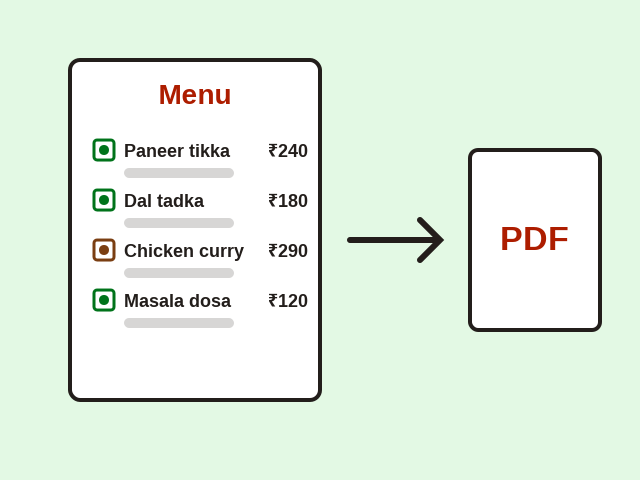
We do not print your menu. You print it at a shop you trust, near you. That is faster, and you can see the paper first.
What you get from OpenMenus
- Free: table QR cards, as a file ready to print.
- With Pro: menu cards and table tops from the menu designer, as a PDF.
What to tell the printer
- Bring the PDF on a phone or pen drive.
- Choose the paper. Thicker paper (art card) lasts longer on a busy table.
- Ask for a lamination or gloss finish if guests will touch it. It wipes clean.
- Ask for one test print first. Scan the QR code before you print fifty.
Before you print
- Scan the QR code on the test print with your own phone.
- Check every price. A printed mistake costs money.
- If prices change often, put fewer prices on paper and let the QR menu show them. See QR code menu.
When to reprint
The QR menu changes in one click, so you do not reprint for a new price. Reprint the card when your design changes, or for a festival.