
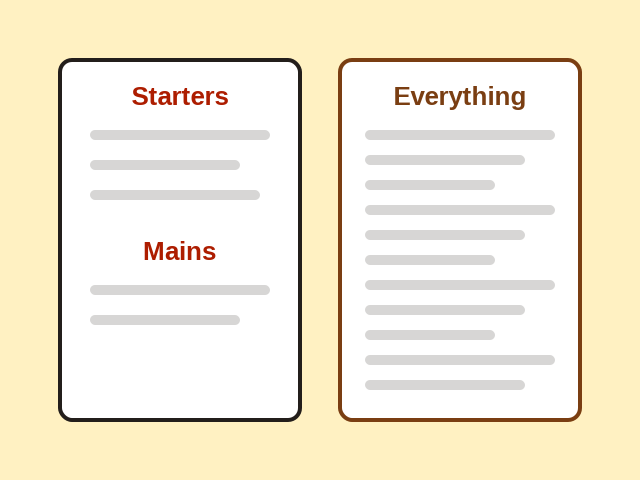
A café menu has many small items: coffees, teas, shakes, sandwiches, cakes. That makes it easy to crowd. The fix is the same as for any menu: short sections and clear lines.
Lead with what you are known for
If guests come for your cold coffee, put cold coffee first. Open each section with your signature dish.
Sections that fit a café
- Hot drinks
- Cold drinks and shakes
- Breakfast
- Sandwiches and burgers
- Snacks
- Cakes and desserts
Sizes and add-ons
If a drink comes in two sizes, show both prices on one line: “Cold coffee: Small ₹120, Large ₹160”. Do not list it twice.
Change prices without reprinting
Café prices move with milk, coffee and rent. On the QR menu you change a price in one click. With Pro, you can set happy-hour prices that switch on and off by themselves.
Counter and tables
Print one QR code for the counter, or one for each table. The cards are free to print. See QR code menu.