
Skip to content

OpenMenus opens soon. Join early access and we will call you when it is ready. Join early access

Menu

One QR for your menu and UPI payments

Guests scan once. They read the menu, and can pay by UPI from the same page.

Updated

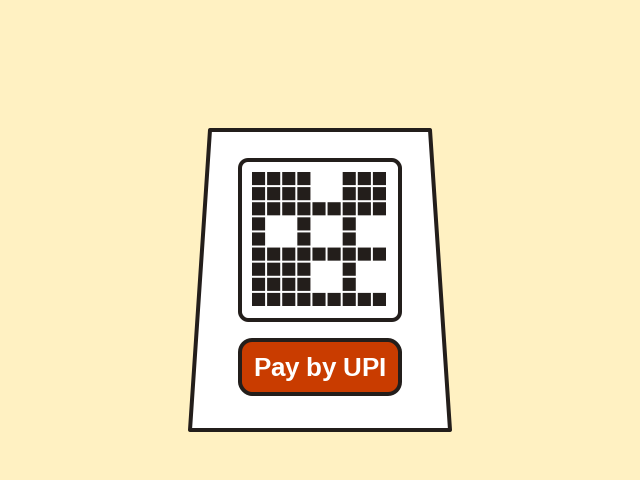
Illustration: a table stand with one QR code for the menu and a Pay by UPI button
On this page

You do not need a second QR code for payments. The QR code that opens your menu also has a Pay by UPI button.

How it works

  1. Add your UPI ID and name in OpenMenus, once.
  2. Your menu shows a Pay by UPI button.
  3. The guest taps it. Their UPI app opens with your UPI ID and name filled in.
  4. The guest enters the amount and pays.

On a computer, the page shows a QR code instead, which the guest can scan with a phone.

The money is yours

The payment goes straight from the guest’s UPI app to your UPI ID. OpenMenus never touches it and does not take a cut.

Print the table card, or put it on a stand. One card does both jobs.

Questions

Do you handle my payments?

No. The money goes straight from the guest to your UPI ID. We never hold it.

Does the guest type the amount?

Yes. The button opens the guest's UPI app with your UPI ID and name filled in. The guest enters the amount.

Is it free?

Yes. Pay by UPI is part of the free plan.

Be one of the first

OpenMenus opens soon. Join early access and we will call you when it is ready.